
Plans Live
How Oliv AI billing works: plans, add-ons and credits, and how each one is counted
How to read an Oliv AI bill: which plan each person takes, which add-ons go on top, how AI agent actions are billed in credits, and where to find every current figure.
On this page
You are comparing AI sales software plans, and someone has asked how the Oliv AI bill works before anyone looks at a figure. Split the question into three parts: a plan for each person, add-ons for the people who need them, and credits for AI agent actions. Use the table below to pick the part you need. Take seats and add-ons to Plans and seat roles, and take every figure to Oliv AI's pricing page.
The three parts of a bill
Each question about the bill belongs to one part. Find yours here and read only that part, because a seat count won't answer a question about credits.
| Your question | Part of the bill | How it's counted | Where to read it |
|---|---|---|---|
| Which plan does each person need? | Plan | One plan per person, matched to the apps they need | Plans and seat roles |
| Who needs coaching, outreach or extra capture channels? | Add-ons | Priced separately, only for those who need them | The add-ons section of Plans and seat roles |
| What will the agents' work add to the bill? | AI agent actions | In credits, billed separately from app subscriptions | AI agent actions and credits, below, then the pricing page for the cost of a credit |
Settle seats first, since add-ons sit on top of a person's seat. Plans and seat roles also has a section on assigning plans across your team.
Plans and the apps they bring
Working through a list of names? Give each person the lowest plan that holds the apps they need. Plans stack: Sell includes everything in Converse, and Grow includes everything in Sell. Amplify has no seat fee. You can use all four in one company, so you don't have to put a whole team on one plan.
- If they run customer conversations you want captured, use Converse. This fits BDRs, SDRs, product marketing and customer support. It includes online meeting capture and in-person meeting capture, and you can buy it on its own for conversation intelligence. Read the Converse app docs first, then check bot and botless recording, because bot-based capture is an add-on.
- If they own opportunities, use Sell. This fits account executives, sales engineering and partnerships. It adds email capture with optional Slack capture, the Forecast app, and sales methodologies and deal risks. Check the Forecast app views and confirm your framework is listed under sales methodology tracking.
- If they own renewals and account health, use Grow. This fits customer success, account management, solution engineering and onboarding. It adds the Retain app, with customer health scorecards and churn risks. Read how it works for customer success and account management teams.
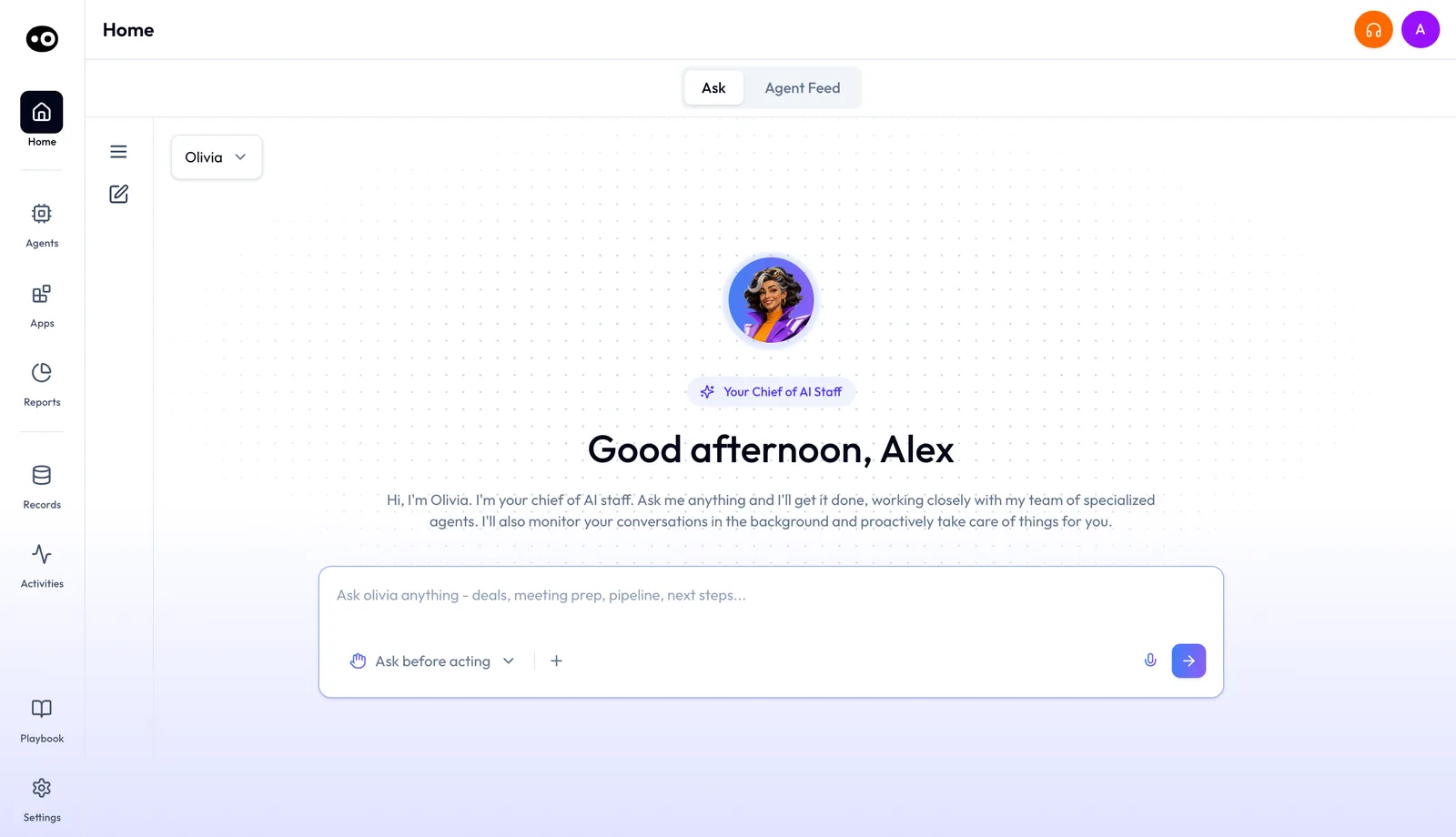
- If they only ask questions and review work, use Amplify. This fits C-suite, product, operations and engineering. They get Oliv AI's Oliver agent and Olivia agent on the Ask tab of Home, and they can review conversations, opportunities and accounts. They can also build custom agents, so read agent instructions to see what one is made of.
Treat the job titles as a guide, not a rule. A customer-facing product marketer can use Converse when they need conversation capture, so sort by the apps a person needs.
Priced separately: add-ons
With seats settled, go down your list and mark add-ons person by person. The pricing page lists them under "Priced separately", apart from the four plans, so buying one for a whole team means paying for people who won't use it.
Mark Enable for anyone whose customer conversations you want evaluated against coaching scorecards, to find where a rep needs help. Mark Engage for anyone running email and LinkedIn outreach from Oliv AI, and add it to a Converse, Sell or Grow seat. Engage includes one connected primary mailbox and LinkedIn automation. To check what people will work in, Enable has Library (clip libraries) and People tabs, and the Engage app has Inbox, Dialer, Plays, Flows, Signals and Experiments tabs.
Capture add-ons come next. Mark bot-based meeting capture, available on Converse, Sell and Grow, if a person needs a meeting assistant in the call, including externally hosted meetings when permitted. Slack capture is available on Sell and Grow, and WhatsApp capture and LinkedIn capture are available on Converse, Sell and Grow. If you record in person with Plaud, the hardware is purchased separately.
The Engage add-ons come last. Note whether each rep needs the Dialer, the WhatsApp, Telegram or Instagram channels, or extra mailboxes, since those go on top of Engage. Before you finalize, check the add-ons section for what each one includes.
AI agent actions and credits
A finished seat list still won't give you a total, because AI agent actions sit outside it. An agent action is a task an agent completes, such as researching an account or updating a CRM record. AI agent actions are priced per credit, and credits are billed separately from app subscriptions. The pricing page marks "Ask AI · Voice of the customer" and "Build custom agents" as "Credit-based" in every plan, and your usage costs depend on the actions your agents perform. The cost of a credit is on the pricing page, linked under Where prices live, below.
So don't guess credits from headcount. Pick the agent work you want first, then use a proof of concept to size it. During one, Oliv AI estimates credit spend at your expected volume and measures the value before rollout. Choose Plan a POC on the pricing page, and go in with one agent use case to scope.
To list the work you expect, start with the example actions on the pricing page. Oliv AI's CRM Manager agent creates records, updates fields and syncs next steps. Oliv AI's Deal Driver agent reviews pipeline, drafts follow-ups and flags risks. Oliv AI's Forecaster agent prepares the forecast and updates forecast categories.
Once an agent is running, open its run history to see what it did on each run. If you want a person to approve an action first, set that in agent tools and run modes.
Choosing seats for your team
Sort your team in this order, because each step depends on the one before it:
- List every person once, in the group that fits their work. Counting someone twice inflates your seat numbers.
- Give each person a plan by asking what they do. Do they run customer conversations that should be captured? Do they own or forecast opportunities? Do they own renewals, health or expansion for live customers? Or do they only read context, ask questions and build agents?
- Mark add-ons for the people who need them, and no one else.
- Scope credits separately, starting with one agent use case.
- Take your seat counts to the pricing page.
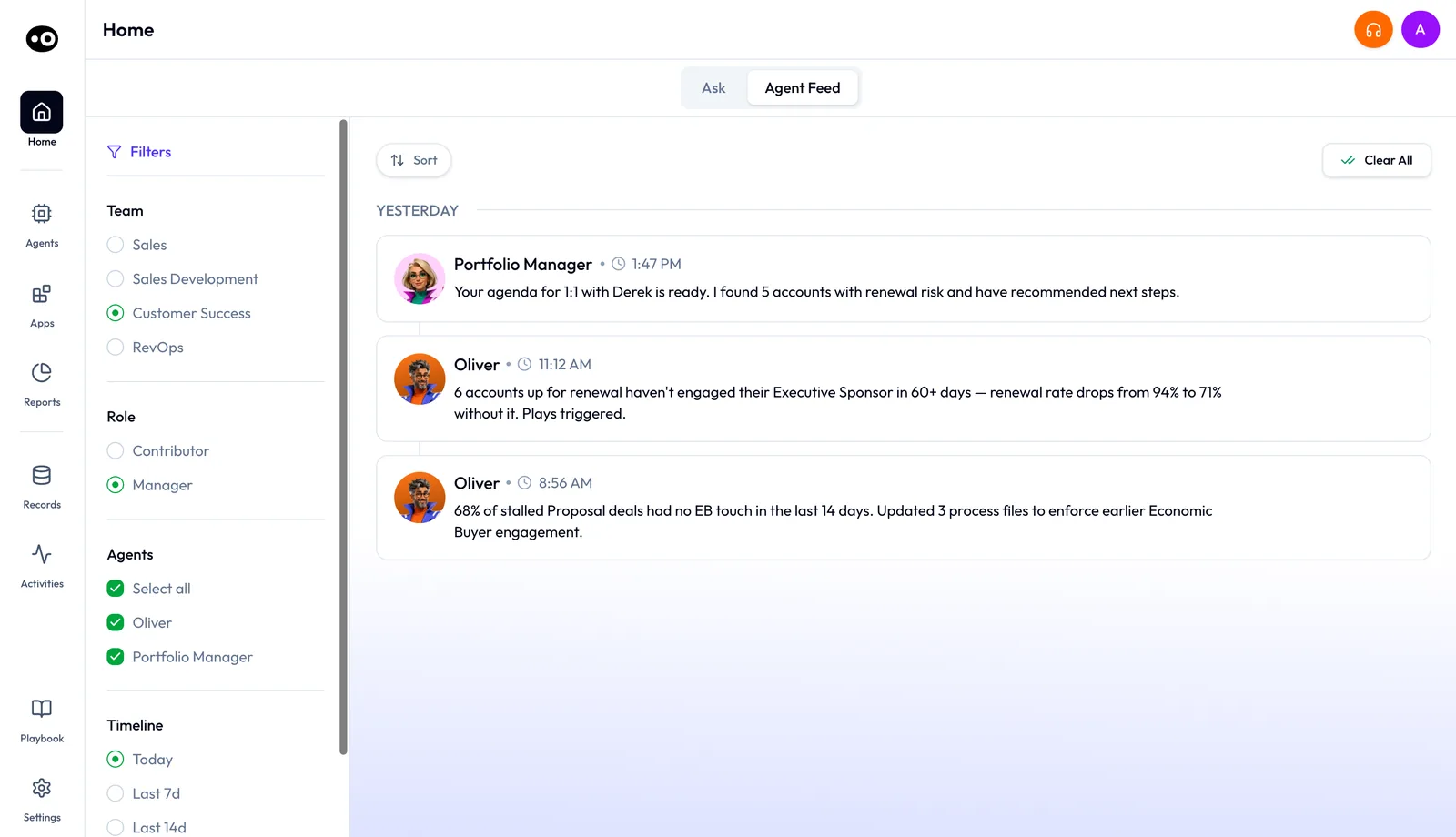
To see which agents a group works with, open Agent Feed on Home and filter by Team (Sales, Sales Development, Customer Success or RevOps) and Role (Contributor or Manager). Each view shows the agents that team and role use. Those filters are views, not plans, so don't copy them straight into your seat list.
To test a seat choice against a real week, read running deals as an account executive for the Sell plan's agents and the pipeline review guide for a sales manager. Oliv AI works as a layer on top of your existing CRM, so you keep Salesforce or HubSpot as your system of record. When seats are settled, move on to the 30-day rollout plan.
Where prices live
These docs explain how the bill is counted and leave every figure to the pricing page. Once your seat list is done, open Oliv AI pricing and read the current figure for each plan and add-on, plus the cost of a credit for AI agent actions.
The same page has a calculator that compares Oliv AI's apps with named tools, using your seat counts. Its comparison rests on assumptions, not vendor quotes, and it excludes platform fees, so check coverage and contract terms before you quote a saving internally.
If someone asks why the budget should shift from per-seat tools to agents, send them to build versus buy for revenue AI. To browse every pre-built agent, open the agent marketplace.